the product map
What ships today, and what doesn’t yet.
ReadyToEdit turns your commits, recordings and posts into a draft and an editor handoff, and keeps the sources, revisions and review decisions for the next one. Each row is marked with where it stands.
- Available now
- working on your own material today
- In development
- being built now
The brief screen, as it ships
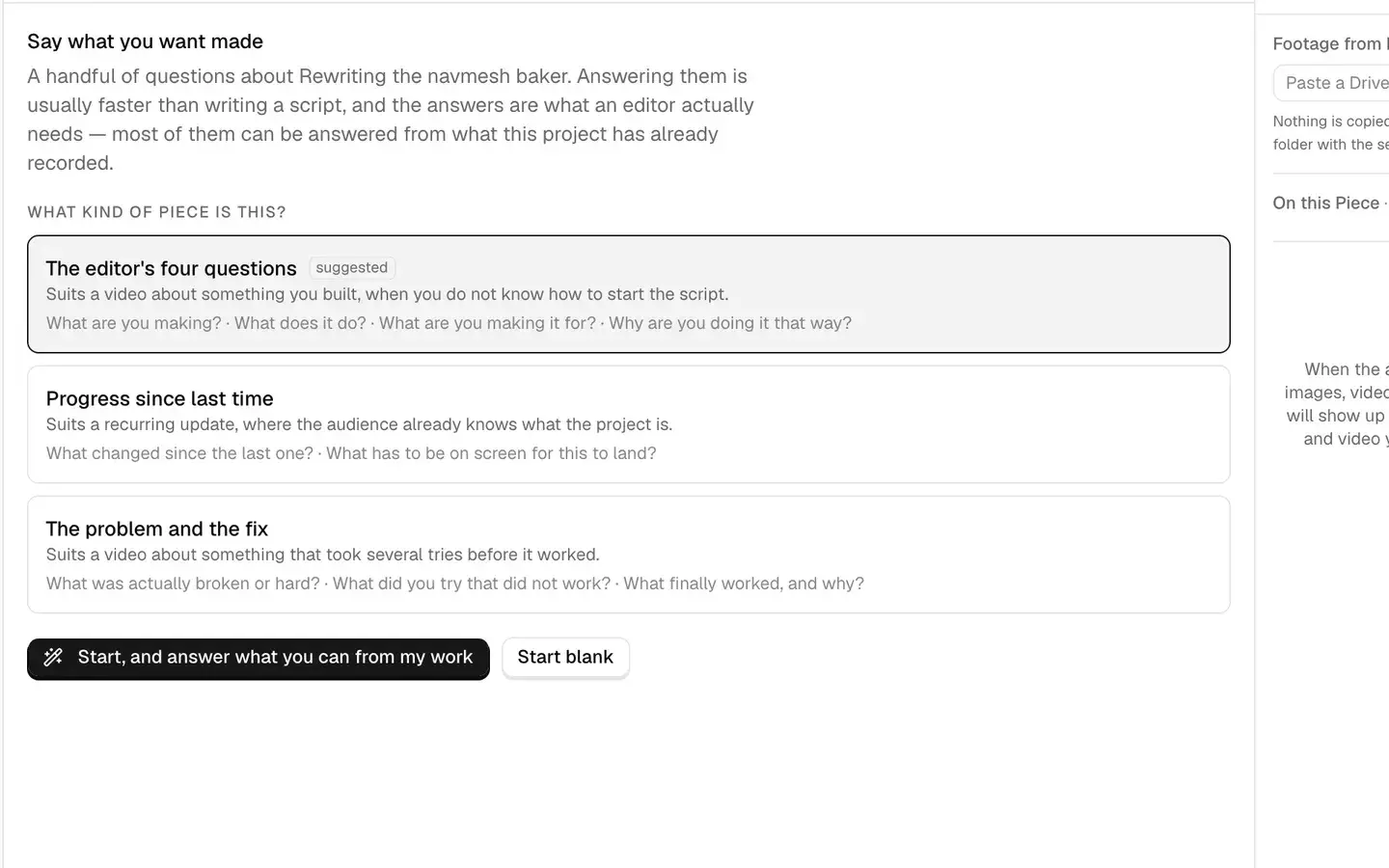
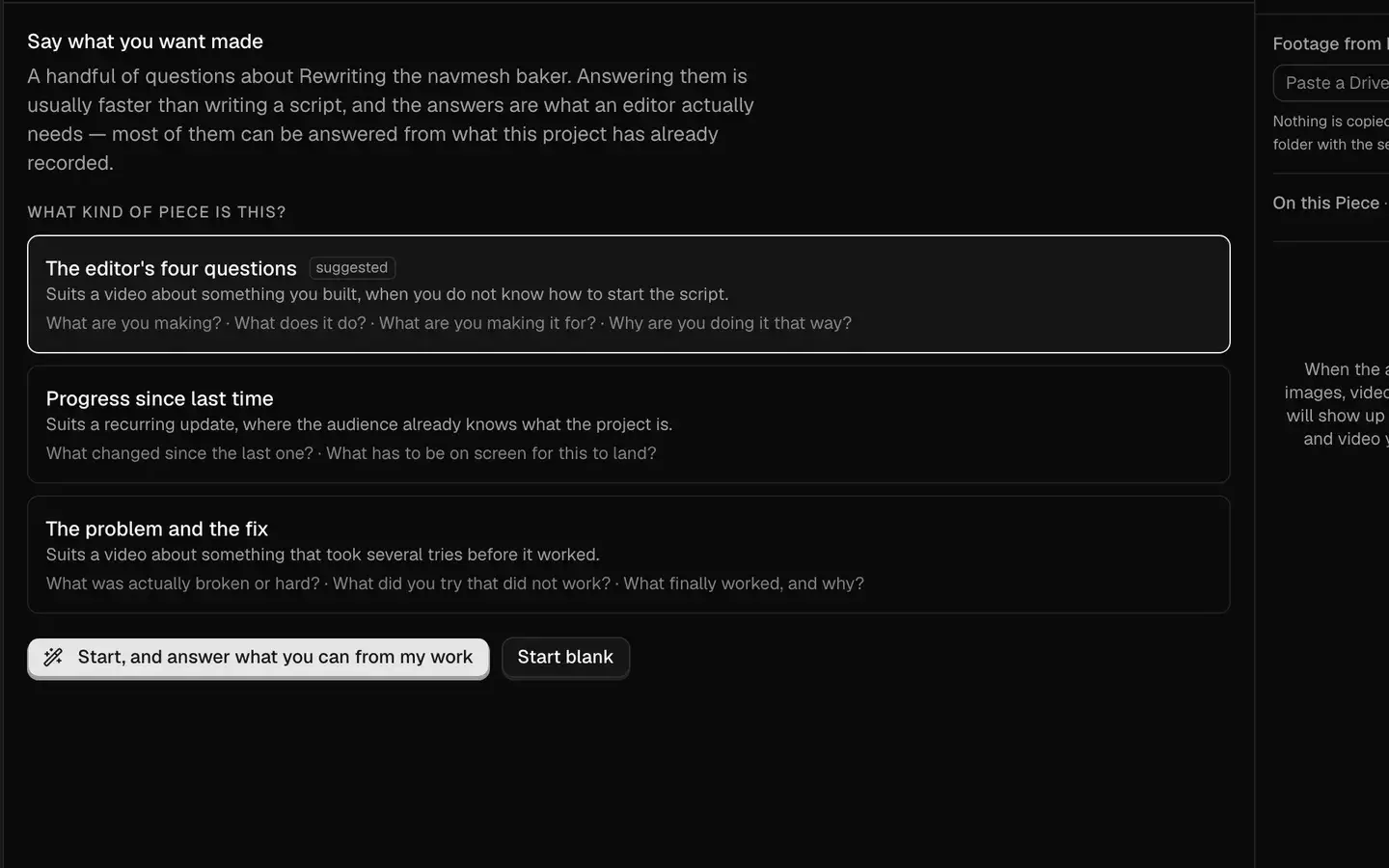
- 1The shape it suggests, and what it suits
- 2The others, each showing what it will ask
- 3One button answers what your work already covers
Looking for the controls? The guides show where to start, what context is included, and what your editor receives.
Start with the guide →Connect
Connect your work
Connect repos, social accounts, documents and recordings to one project.
Connected Sources
GitHub, social accounts, documents, images and recordings, connected to one project.
Source Library
Browse and search everything a project has connected — commits, posts, assets, documents — in one place.
Footage It Has Already Watched
Connected videos are sampled and described during processing, so drafting and search can use what they contain. Suggested moments still need your review; a sampled description can miss details.
Source Freshness
See when each connection last synced, which ones need reconnecting, and how much new material has arrived since you last looked.
Discover
Discover what to publish
Angles proposed from what changed, with the commits and clips behind them.
Story Discovery
Angles proposed from work that already happened: commits, recordings and posts.
Evidence Coverage
In developmentBefore you commit to a draft, see which shapes your material already supports and which are still waiting on something.
Create
Create
Turn a story into a draft, and a draft into every shape it needs to be.
Grounded Drafts
Start with connected work or an idea from your conversation. Save a draft you can edit and share, with source references when available and footage suggestions reviewed separately.
How to use it · sign in to readFormats
Turn one story into different production-ready structures from the same sources.
Multi-format Versions
Adapt one draft for each place it has to land, each version keeping its own copy, its own limits, and its own record of where it went.
Your Goals, Style and Audience
Say what the project is about, who it is for, what it should achieve and how it should sound. Combine several Style or Goals presets with your own words, add blocks of your own or import one from a Markdown file, give a single piece its own Audience, Goals or Style, and read exactly what each step of the work is given.
How to use it · sign in to readConversation Copy and Export
Copy any message or download the whole saved conversation, with your words and the assistant’s replies clearly separated. Creating a draft keeps the conversation that led to it.
How to use it · sign in to readReview
Review and refine
See what supports each claim, and keep a record of what changed and why.
Clips for Each Script Beat
Review footage suggestions beside the lines they would accompany. Keep or reject each suggestion. Supporting footage and illustrative B-roll are distinguished, and an unmatched line stays visible.
How to use it · sign in to readHook Close Read
Select the opening of any cut, up to 30 seconds, and read it second by second: located facts with timestamps, and a comparison against your own previous openings. Never a score.
Evidence and Sources
See what supports the important claims in a draft, and why that particular source was chosen.
Review and Approval
Request changes, review revisions, approve work, and preserve the review trail.
Review History
See how a draft evolved through revisions, requested changes, and approvals.
Hand off
Hand off
Give your editor the script, the clips and the sources in one link.
Editor Handoff
Share one read-only page with the script, beat-by-beat clip placements and playable footage. Original Google Drive links are included where available. A script can be shared before every beat has footage.
How to use it · sign in to readImprove
Improve over time
Carry decisions forward so the next draft starts closer to something you would approve.
Revision Memory
Carry recurring corrections — shorten the opening, remove hype, explain the technical part more directly — into future drafts.
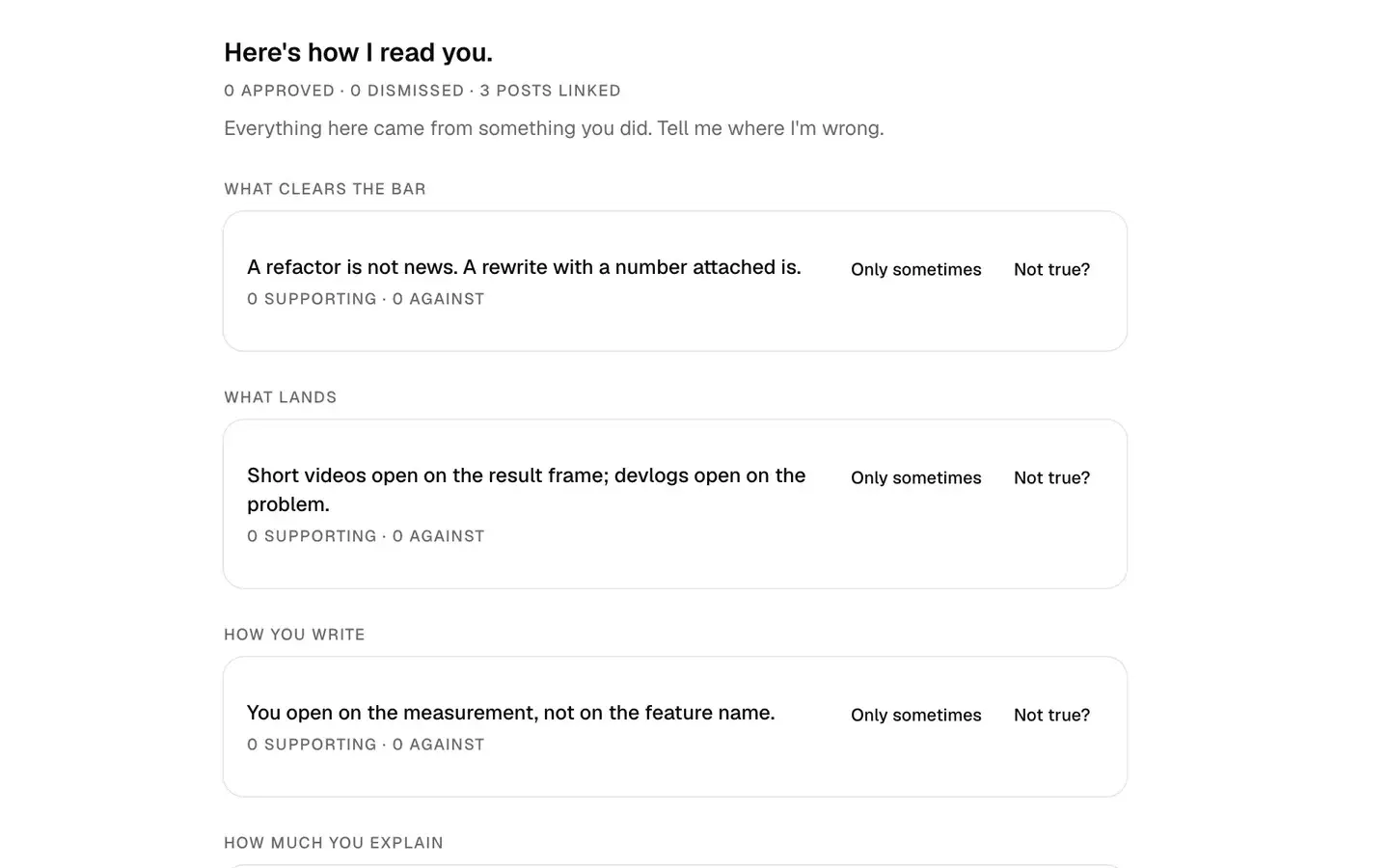
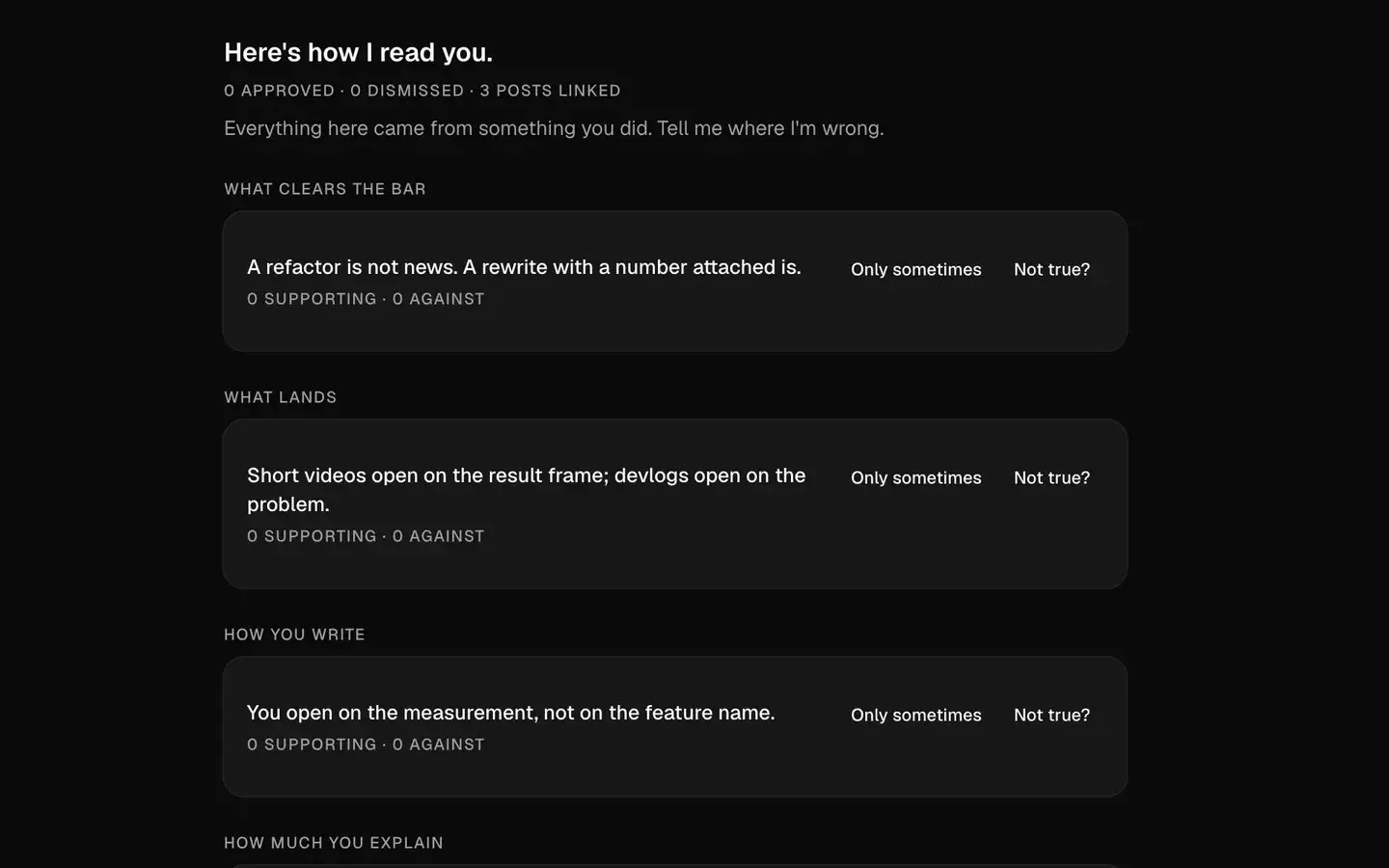
- 1A statement it drew from what you did
Publish
After publishing
Tie each published piece back to the draft and decisions behind it.
Outcome Capture
Attach the published result back to the work, draft, and decisions that produced it.
See it built from what you shipped.
Connect a repo, a social account or a folder, and every row marked Available now runs on your own material.